Calendar integration
Calendar integration keeps scheduling clean while ClarityLoop handles the real meeting work. Think of it as: calendar for logistics, ClarityLoop for outcomes.
What is supported
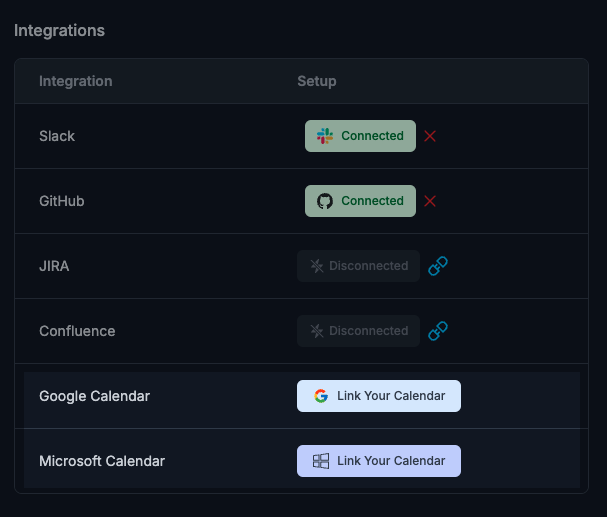
ClarityLoop supports:
- Google Calendar
- Microsoft Calendar
When connected, event updates from ClarityLoop can sync to the linked provider.
Day-to-day behavior
- Create/edit meetings in ClarityLoop and sync updates to connected calendars.
- For Google-connected accounts, use Copy from Google during event creation.
- Recurring series support one-occurrence or full-series edits/cancels.
- If sync is disconnected, ClarityLoop warns you before save.
Best operating rule
Keep scheduling in sync through calendar integration, but run agendas, notes, and actions in ClarityLoop so execution stays in one place.
FAQs
What if my integration is disconnected?
ClarityLoop warns before save and lets you decide whether to continue without external sync.
Can I still work in ClarityLoop without calendar sync?
Yes. Meeting planning and coaching workflow still work in ClarityLoop.
Does integration replace ClarityLoop meeting workflow?
No. Calendar integration complements scheduling; ClarityLoop remains the execution layer for agendas, notes, and actions.